 A
↗
A
↗
A new super-conducting pump is helping to revolutionise its hydrogen program
 G
↗
G
↗
Packed with plenty of features: all running on your own infrastructure. Clean, intuitive UI. No fluff: just your files, beautifully organised. Deploy in minutes. No subscriptions. No surveillance. Just you and your files.
 G
↗
G
↗
Under partial failure, retry loops can rearrange history. If order, duplication, or staleness matters, retry needs state.
 A
↗
A
↗
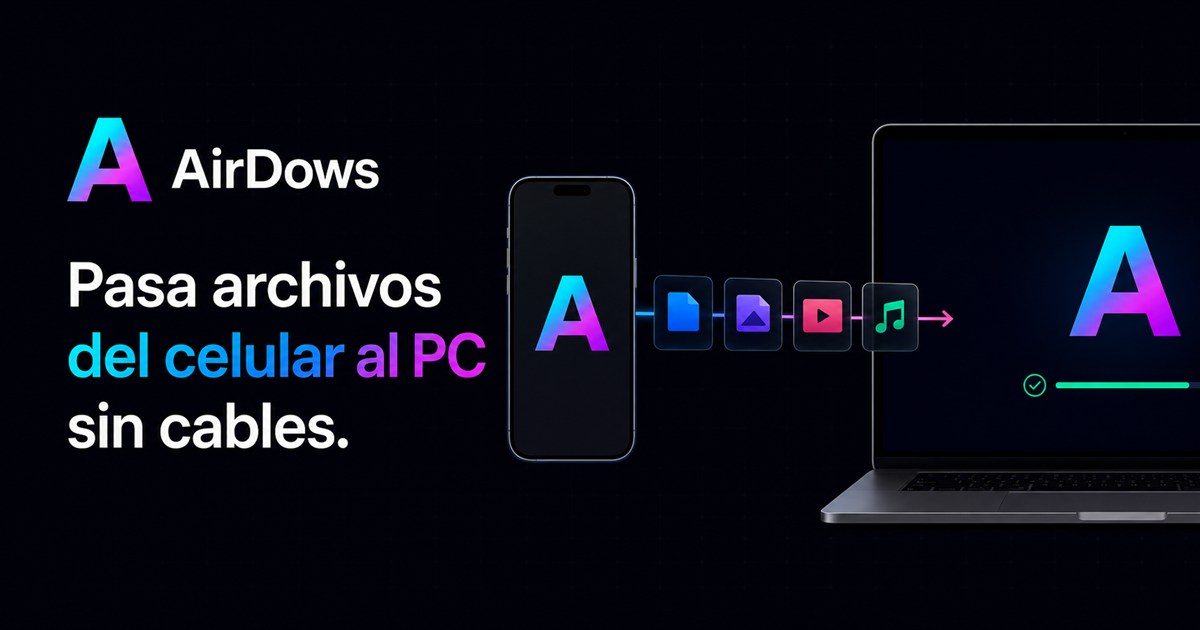
Arrastra aquí. Suéltalo allá. AirDows mueve el archivo original entre tus dispositivos.
 R
↗
R
↗
Satellite-computer maker Novo Space is raising fresh capital as it targets constellation deployments with its modular Petrona computing platform.
 S
↗
S
↗
If you've been reading comp.unix.shell or any of the related groups (comp.unix.questions inter alia) for any amount of time, this should be a familiar topic. I made this web page on the topic primarily so I'd have a simpler URL than one of those ghastly Deja News searches to hand to people. I've tried to reconstruct Randal's standard form letter from looking at his postings (see end) and added some comments of my own. If you came here looking for material about abuse of feline animals, try this Alta Vista search instead. The oldest article Deja News finds is from 1995, but it's actually a followup to an earlier article. By Internet standards, this is thus an Ancient Tradition. Exercise: Try to find statistically significant differences between the followups from 1995 and the ones being posted today. (See below for a reconstruction of the Award text.) Briefly, here's the collected wisdom on using cat: Of course, as Heiner points out, using cat on a single file to view it from the command line is a valid use of cat (but you might be better off if you get accustomed to using less for this instead). In a recent thread on comp.unix.shell, the following example was posted by Andreas Schwab as another Useful Use of Cat on a lone file: (See below for a reconstruction of the Award text. It explains the issues clearly enough.) This is really a special case of Useless Use of Backticks but it deserves its own section because it's something you see fairly frequently. The canonical form of this is something like Depending a little bit on what exactly you have the variable for, this can be reduced at least to and there is often no real reason to even think of using echo in backticks when the simpler construct will do. (There is a twist: echo will "flatten" any whitespace in $variable into a single space -- unless you double-quote $variable, of course --, and sometimes you can legitimately use echo in backticks for this side effect. But that's rarely necessary or useful, and so most often, this is just a misguided use of echo.) There is another example in the next section, and a longer rant about Useless Use of Backticks further down the page. There is also a parallel, slightly different example on the Backticks Example page Very clever. Usually this is seen as part of a for loop: Here's a related but slightly more benign error (because echo is often built into the shell): Finally, as Aaron Crane points out, the result of ls * will usually be the wrong thing if you do it in a directory with subdirectories; ls will list the contents of those directories, not just their names. If something is reasonably coded, it might even already be setting its exit code to tell you whether it succeeded in doing what you asked it to do; in that case, all you have to check is the exit code: I used to have a really wretched example of clueless code (which I had written up completely on my own, to protect the innocent) which I've moved to a separate page and annotated a little bit. It expands on the above and also has a bit about useless use of backticks (q.v.) Here's a contribution I got from Aaron Crane (thanks!): (Of course, this is merely an example. If you have lsof it's probably a better solution to this particular problem; also the output of ps varies wildly from system to system so you might want to print something else than $2 and use completely different options to ps.) Remember that sed and awk are glorified variants of grep. So why use grep at all? True Story from Real Life: an older version of the GNATS system would think my real name was "System Operator" because it just went looking for the first occurrence of the letters e-r-a in the /etc/passwd file. (Well, actually, it thought my name was "System Era". It took me a while to figure out how it arrived at this somewhat whimsical conclusion. Incidentally, you also have to wonder why the author thought my real name was worth knowing, and if this is the right way to get that information. The end goal was to produce a template for an e-mail message -- perhaps my MUA would already know my real name, and even be able to produce nice e-mail headers for GNATS?) The cluelessness example (I've put it on a separate page) contains a lot of badly chosen backticks and a somewhat longer discussion of what exactly they can accomplish, and some ideas for how to do it differently. Obviously, backticks are a valid construction, and you can put them to good use in many shell scripts. I have simply noticed that newbie scripters often generously treat backticks as the hammer for all those nails they see. Incidentally, this is also one of the Very Ancient Recurring Threads in comp.unix.shell so don't make the mistake of posting anything that resembles this. In case something is still not obvious, the only disallowed file name characters under Unix are the null character and slash. If a file is called something like /tmp/moo/etc/passwd, normal find /tmp -print would output (I'll integrate it better with this page as soon as I have the time; I've been keeping it in my inbox for an embarrassing amount of time so I thought I'd better at least move it here where people can see it.) Despite the looks of this embarrassing section, I do appreciate comments and additional ideas for this page. Send me mail with your suggestions! I have a small collection of Unix links with some more information, too. )-: ylwols hguoht( depoh dah I naht retteb neve ,dekrow ti yltnerappA -- .egap "elpoeP looC" s'ladnaR no dedulcni ti teg ot si egap siht fo esoprup elohw eht ,yllaer oN
 T
↗
T
↗
Though the impact of Zentoshin’s sudden bankruptcy is limited, it’s a setback for Japan, which only recently shed its notorious cash-only image.
 A
↗
A
↗
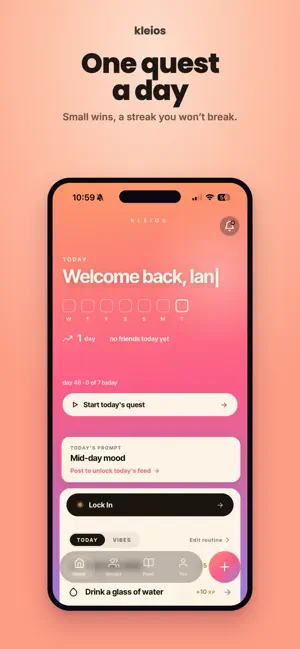
Download Kleios by Ian Clark on the App Store. See screenshots, ratings and reviews, user tips, and more apps like Kleios.
 G
↗
G
↗
Cosmos is the easiest way to design a keyboard around your one-of-a-kind hands. Scan your hand using just your phone camera, then fit a keyboard to the scan. The key positions align to your fingers' lengths and movement. Add a trackball, trackpad, encoder, or OLED display. There's support for MX, Choc, NIZ, and Alps switches, and almost every type of keycap. Plus with 15 different microcontrollers, you can mix and match all you like. Cosmos partners with keyboard builders to deliver your customized keyboard with premium materials. If you're handy with 3D printing and soldering, you can save money by building your keyboard yourself. Cosmos also sells specialized PCBs for keyboard building! Choose from 3 types of cases, split or unibody, and many customizations. Cosmos catches errors before you print and automatically fixes common model issues. Cosmos lets you drag, drop, and rotate keys and trackballs into place. Your artisans are now ergonomic. Whatever batch of keycaps you decide to use, Cosmos will arrange them to fit your desired curvature. Cosmos has first-class support for single-key PCBs, which let you easily integrate per-key RGB and hotswap sockets. It also has high-quality built-in-hotswap and PCB-less options if you're on a budget. Every model can export to STLs, which are meant to be sent to your 3D printer or an online printing service, or to STEP models, which can be modified in CAD programs. If you don't like the way your model looks, ask your closest CAD guru to make adjustments. Cosmos is made in the open, and 95% of the code is open-source. It's our firm belief everyone should have free access to technology to relieve and prevent typing pain. Come see the unique keyboards we all are making on the Discord server. Don't have an account? I send a few recaps per year to my newsletter . The other 5% of code? That's for the Pro features, which add extra cosmetic options to your keyboard and help keep this project sustainable. Psst! Come here from my Dactyl generator? You should give Cosmos a try. It's changing a lot but it will give you a much better Dactyl-like case and microcontroller holder.