I built a 10-inch mini rack from aluminium extrusions and I had a lot of fun doing it. I want to share my build in this post.
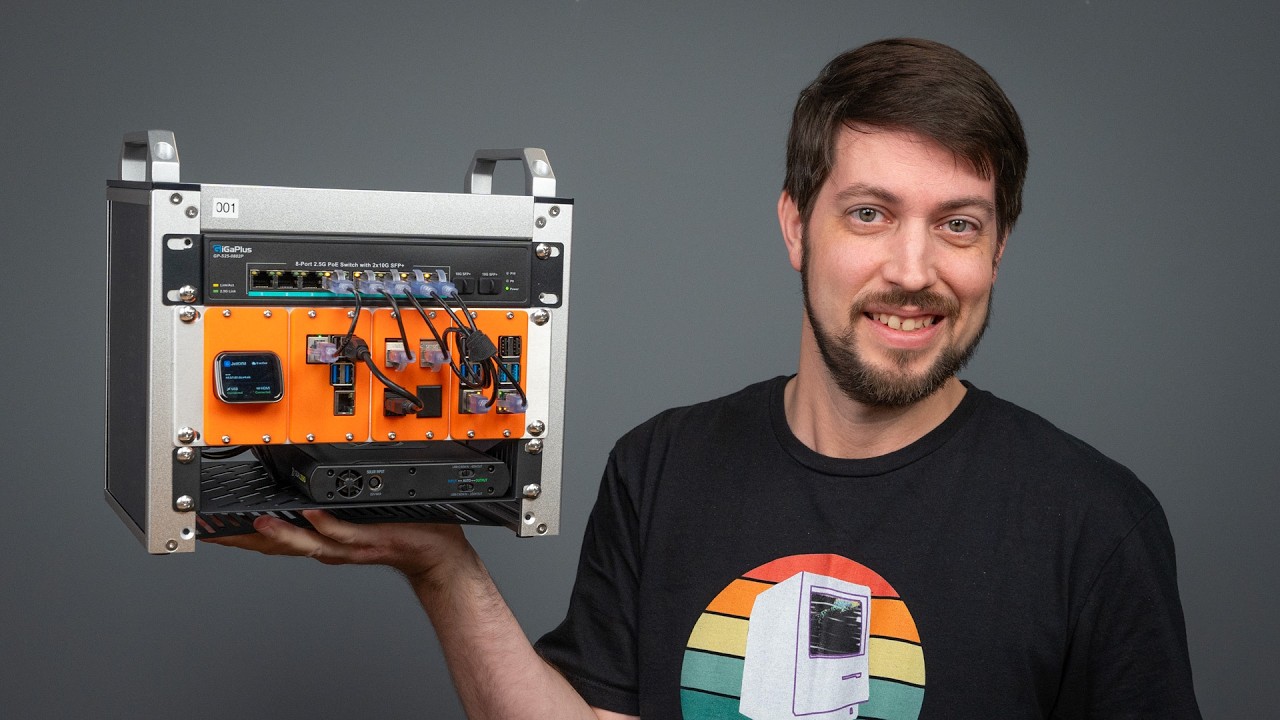
In January of 2025, Jeff Geerling released a video about 10-inch mini racks. I was absolutely oblivious to this new trend, and I instantly knew that I wanted to build one for myself some day, although I didn't have a real use for one.
That said, I've been working on a virtualization project recently and I've bought six 1L PC's (three for each simulated datacenter).
Because these 1L PCs are small, they have huge external power bricks. As these mini PCs are also connected to two networks, they create a huge mess on my desk. Finally a reason to build a mini rack, to tidy things up!
There are a few different brands of mini rack for sale, but I wanted to make one for myself. Prebuilt racks (kits) are not cheap for what they are so I wanted to try and see if I could build one myself for less money. Turns out you can buy 20mm aluminium extrusions and accompanying components to build your own rack.
(Aluminium extrusions have a standardized 'groove')
Aluminium extrusions are bars with a groove on all four sides. These bars have a standard format and you can slide all kinds of equipment in there and lock it in place with set screws. It seems to be used a lot for home made 3D printers, CNC machines and whatnot. In the picture above a special corner piece is used to connect three bars together, fixed in place with set screws.
The L-brackets can be used to create T-sections within a frame to sturdy the structure and provide additional mounting points. In my rack, the middle post carries the back of the shelves holding the mini PCs.
These sliding cage nuts (M5) can be used to attach anything anywhere. In this example we used four of them to hold the side panels in place. These cage nuts can also be used for their intended purpose: mount 10 inch rack-mount equipment.
In this picture below, some cage nuts are left that hold the side panel in place. Also notice in the upper left that I've used cage nuts to attach some black cable tie holders that in turn keep cables in place.
The computer trays
I planned on ordering 10 inch 1U shelves and be done with it. Unfortunately these metal shelves are too expensive for my taste and would have cost more than the aluminium frame including components (I need 8 shelves).
Many 10-inch rack builds - such as the ones featured by Jeff Geerling - use 3D-printed face plates to mount various kinds of equipment. Jeff showcased some of these models in separate videos. That said, I decided against using 3D printed shelves.
First of all, I don't have a 3D printer and as useful as 3D printing can be, I feel that 3D printers often turn plastic into landfill. I'd probably feel differently if (more) sustainable materials would have been used1.
So instead, I chose to order cut-to-size aluminium sheets and I used the L-brackets to hold them in place.
The aluminium shelves turned out OK, but they are not ideal. The 1mm thick plates do bend slightly under the weight of the computers, although it's still fine. Aligning the four L-brackets on the same horizontal plane was a pain. Filing off the sharp corners of each plate was no fun, I should have ordered them with rounded corners.
I think these aluminium plates create an open design that is better for keeping the machines cool. There are many 10-inch self 3D models available for these 1L PCs but they all create a tight collar around the front bezel of the computer, which looks amazing, but I don't think it's great for airflow. Regular metal shelves would also have been fine.
10 inch power distribution
As you can see below, the backside shows the internals of the case are a bit of a mess2. The truth is that I've should made the rack at least 1U higher to accommodate the very lengthy cabling of the power bricks. All the cabling does fit, but it's not easy to make it clean looking and also give the power bricks - which lie at the bottom - some airflow.
No price for cabling management and neatness, that's for sure
I've used two 10-inch rack mount power distribution units from Brenenstuhl. They were cheap but they unfortunately didn't fit in a horizontal position. The PDUs are the only actual 10-inch rack-mount component in the entire build and the fact that they didn't fit felt ironic.
The cause is simple: in a 19-inch or 10-inch rack, the square holes holding the cage nuts are 'flat sheets', so the power cable sticking out of the side of the PDU can flow behind those square holes. If you use the 20mm aluminum extrusions, there is a 20mm bar in the way. This is why I had to mount the PDUs vertically, which did work fine. At the top, the PDUs are kept in place with another L-bracket clamping the PDUs firm against the rail.
The external power bricks of the 1L PCs' are a huge pain. Having six cords and external adapters was absolutely no option for me, I wanted a fully self-contained rack. If you ever build your own rack, try to use computers that have a power supply build-in.
I wish I could power these 1L PCs with a 'power shelf'. In this case, a power supply with enough capacity to sustain these PCs at the required voltage and with the proper brand-correct power jack, maybe like this.
Cooling
All power sockets are in use by the six 1L PCs and the two network switches, so how are we going to power the two cooling fans3?
Fortunately there exist USB-to-fan-header cables. It feels dirty but it isn't. USB is only 5 volt but these adapters contain a boost converter that outputs 12 volt for the fans. The power draw of these fans (around 1W) is well below the threshold of 4.5W for a USB3 port.
The open backside probably doesn't help with cooling and Ideally I'd fill in the gaps. Due the the irregular shapes, I feel it's too much effort. I do feel a proper airflow at the front of the 1L PCs, so I think it's 'certified good enough4'.
Networking
The 1L PCs have two network connections, one to each switch. The 3Com switch at the top is 1 Gbit, the TRENDnet switch is 2.5 Gbit. I used the Conceptroning ABBY12G USB3-to-2.5Gbe adapter to connect the 1L PCs to the switch.
The 2.5 Gigabit network is a backend network for live migration of virtual machines amongst other traffic. I'm able to achieve line-speed with both iperf3 and virtual machine migrations.
The gigabit 3com switch is at least 26, maybe 27 years old!
The rack has become a bit crowded due to all this network connectivity, as seen on earlier pictures. It didn't help that I ordered short UTP cables that are quite stiff.
Panels
The side panels are sheets of anodized aluminium which look good, in my opinion.
I forgot to order panels for the top and bottom. Therefore, I decided to go with some wood panels instead of aluminium sheet metal.
A local shop offers scrap wood for peanuts and also cuts it to size for a 'few peanuts more'. Very handy if you don't have the right equipment to make straight, clean cuts of wood.
Although not pictured, the bottom panel is kept in place with screws locking into cage nuts. These screws also hold the rubber feet in place.
Problems
A lack of access to the VGA/DP ports:
If I lock myself out of a machine, I need to remove one or more fans and connect a VGA/DP cable to the back of the affected machine. This also means moving a lot of UTP cables to the side. I can attach a keyboard to the front but attaching a monitor is thus a real pain. In more regular rack builds, you can add 'keystones' that extend ports to a panel on the outside of the case, where you can connect to an interface without any issue.
Cost
Item
Total
Aluminium sheets
82.95 €
Aluminium extrusions
26.22 €
Rack mount small items
79.96 €
wood
7 €
shipping costs (over all orders)
20 €
USB to 2x 4-pin fan header
12 €
10 Inch PDU 2x
43 €
Network cables
42.15 €
Total Price
313.28 €
All prices include 21% Dutch sales tax. The total price excludes the two Noctua fans, which would probably add another 40 euros.
The price is a bit inflated because I overbought small items for rack building. If I opted for wood paneling instead of aluminum panels, that would probably also cut the paneling cost in half.
How I use this mini rack
The mini PCs are running Debian and they all act as virtualization hosts, using KVM. The gigabit ports are used for the management and provisioning network (PXE+TFTP+iPXE+HTTP). The 2.5Gbit network is used for virtual machine migration and a VXLAN network that encapsulates all the different virtual machine networks.
By default, this rack is off. When I want to use it, I turn on a Zigbee power adapter and after a delay, wake-on-lan packets are sent to all six machines to power them on.
Power consumption
The two switches, two fans and six 1L PCs together use around ~90W idle.
Evaluation
I'm quite happy with this build. Cost was acceptable, I think it looks decent enough and it really cleans up my desk. Although cable management is clearly not my strong suit, I feel it's an overall improvement. Maybe a few handles for carrying would be a nice future addition, but for now this rack is finished.
Did I save any money? I'm not so sure.
Acknowledgements
Jeff Geerling for introducing me to 10 inch racks
This build by Logan Marchione inspired me to further look into aluminium extrusions
If you feel differently about 3D printing that's OK. I'm not looking for a discussion or argument about the topic, I'm only stating my motivations. ↩
it's so, so much cleaner than the mess of wires on my desk. I'm already happy with this improvement. ↩
The fans I used are of different size and type, in part because it's what I had lying around. ↩
https://www.youtube.com/SuperfastMatt ↩
Solar Status
71 TiB NAS
Projects
fio-plot
Showtools
Storage Fan Control
Grafana Dasboard for storage metrics
Categories
Apple
Development
Hardware
Infrastructure
IT
Linux
Networking
Projects
Security
Solar
Storage
Uncategorized
ZFS
Archive
2026
2025
2024
2023
2022
2021
2020
2019
2018
2017
2016
2015
2014
2013
2012
2011
2010
2009
2008
 Link preview
Project MINI RACK - a Homelab Revolution!
The time has come for the MINI homelab!Special thanks to DeskPi for sending over their mini racks! Note: they did not pay me to make this video nor have any ... YouTube · youtube.com
Link preview
Project MINI RACK - a Homelab Revolution!
The time has come for the MINI homelab!Special thanks to DeskPi for sending over their mini racks! Note: they did not pay me to make this video nor have any ... YouTube · youtube.com
Comments